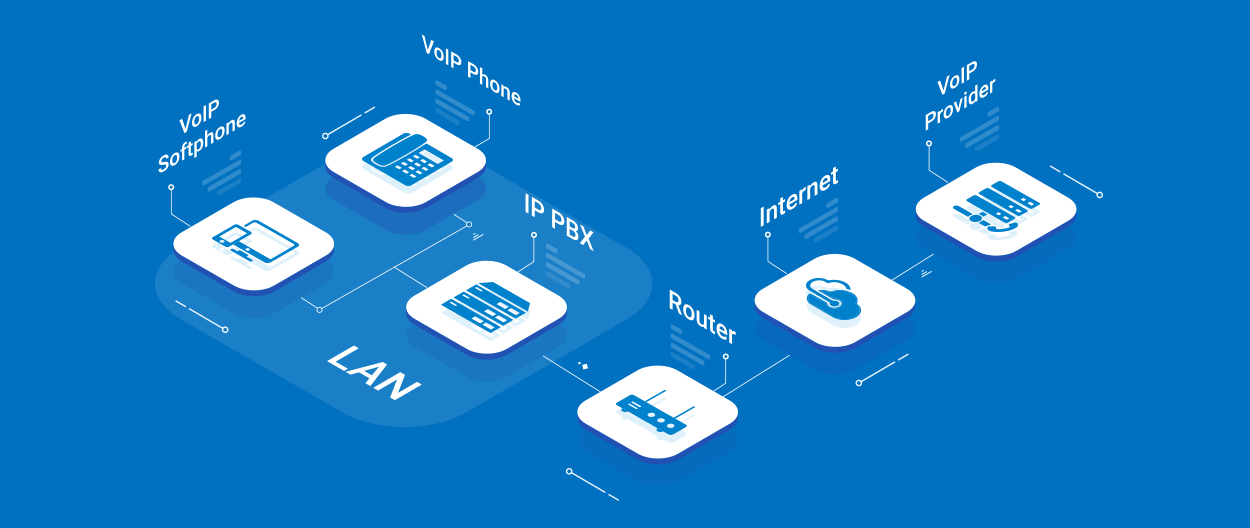
VoIP converts voice into digital packets and transmits them over the internet
What You'll Learn in This Guide
1. Introduction to VoIP
VoIP (Voice over Internet Protocol) is a technology that allows you to make voice calls using a broadband Internet connection instead of a regular (or analog) phone line. Instead of transmitting your voice as electrical signals over copper wires, VoIP converts your voice into digital signals and sends them as data packets over the internet.
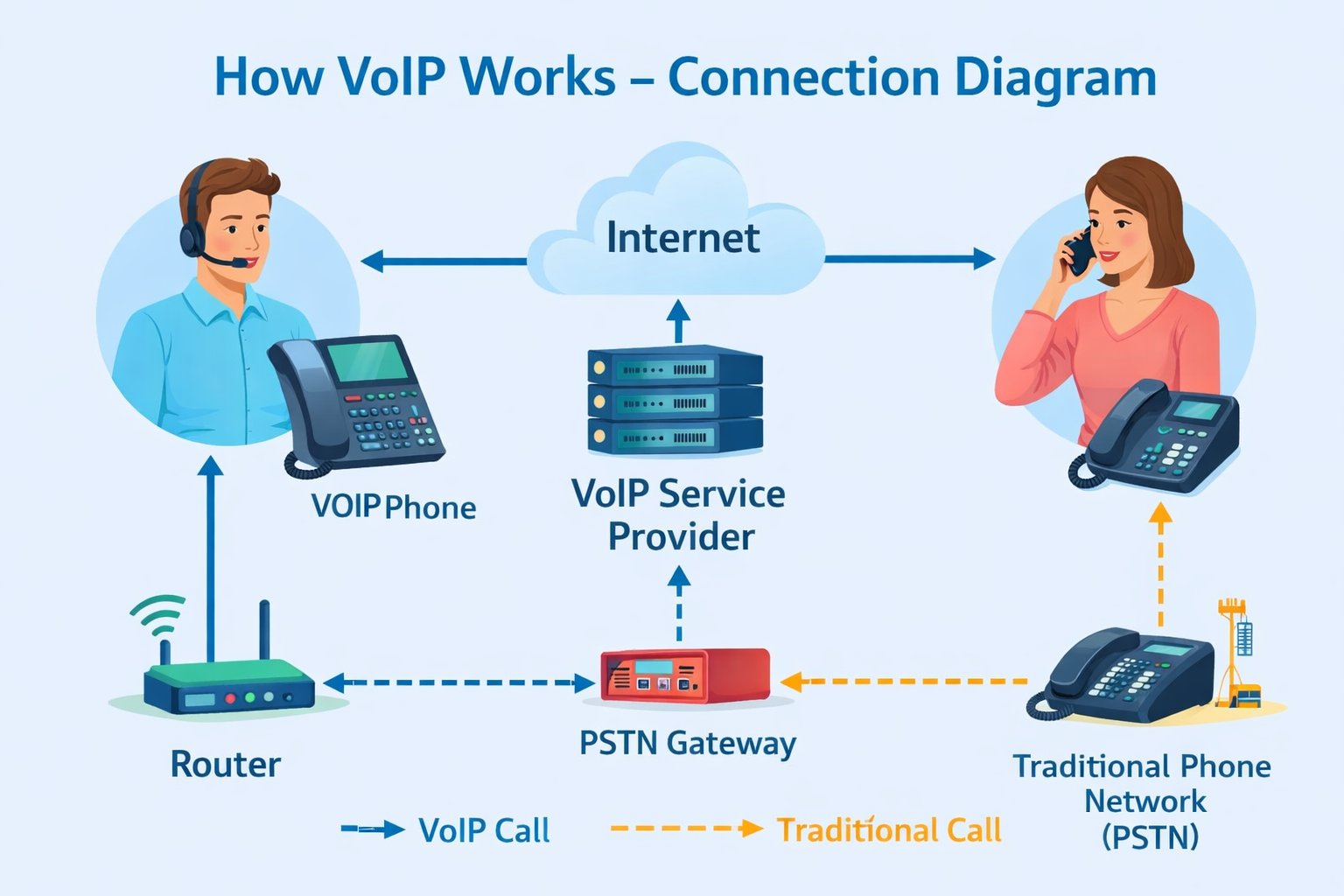
VoIP operation diagram - from analog voice to digital packets
While traditional phone systems (PSTN - Public Switched Telephone Network) have been around for over a century, VoIP has revolutionized business communication since the early 2000s. Today, over 60% of businesses worldwide have switched to VoIP, saving up to 50% on communication costs while gaining features that were unimaginable with analog systems.
Quick Fact: The first VoIP software was released in 1995 by a company called VocalTec. By 2026, the global VoIP market is expected to exceed $100 billion, driven by remote work and digital transformation.
2. How Does VoIP Work?
At its core, VoIP works through a process called digitization and packetization. Here's a step-by-step breakdown:
Step 1: Capture
Your voice is captured by a microphone and converted from analog sound waves into digital data.
Step 2: Compression
The digital data is compressed using codecs (like G.711, G.729, or Opus) for efficient transmission.
Step 3: Packetization
The compressed data is split into small packets. Each packet contains a piece of your voice, plus addressing information.
Step 4: Transmission
Packets travel across the internet using SIP or other VoIP protocols.
Step 5: Reassembly
At the destination, packets are reordered, decompressed, and converted back into analog sound waves.
Real-Time
This entire process happens in milliseconds, allowing for natural conversation without delay.
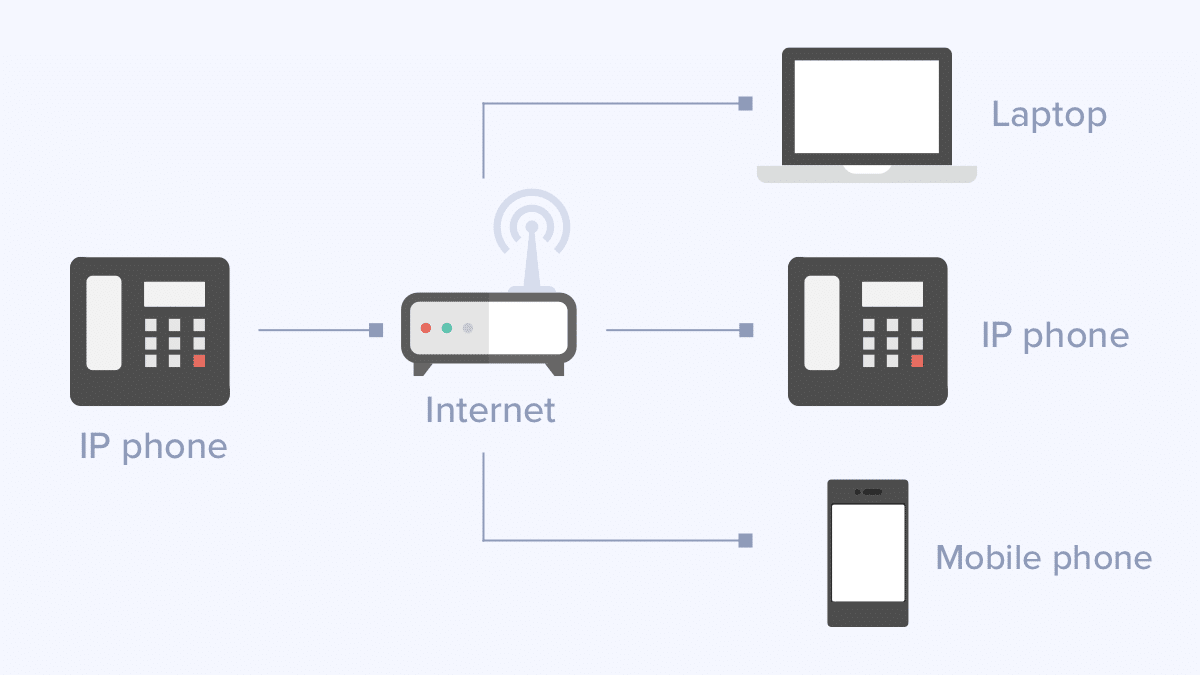
Image 3: VoIP network architecture - How packets travel over the internet
This technology is managed by a VoIP PBX (Private Branch Exchange), which can be physical hardware on-premises, a cloud-based system, or a hybrid model. At Netiva, we specialize in installing and managing these systems using open-source platforms like Asterisk and FreeSWITCH.
3. 10 Key Benefits of VoIP for Businesses
Why are millions of businesses making the switch? Here are the most important reasons:
1. Lower Costs
Save up to 50-75% on local and international calls.
2. Mobility
Use your business number anywhere with internet.
3. Scalability
Add or remove users instantly.
4. Advanced Features
IVR, call recording, voicemail-to-email.
5. Flexibility
Choose on-premise, cloud, or hybrid.
6. Call Center Capabilities
Queues, real-time monitoring.
7. Integration
Connect with CRM, ERP, helpdesk.
8. Reliability
99.99% uptime with failover.
9. Global Presence
Local numbers in multiple countries.
10. Analytics
Detailed reports for business optimization.
4. VoIP vs Traditional Phone Systems
| Feature | Traditional PBX | VoIP PBX |
|---|---|---|
| Initial Cost | High (hardware, installation) | Low to Medium |
| Monthly Cost | High (per line, maintenance) | Low (predictable) |
| Scalability | Difficult (new hardware needed) | Easy (software-based) |
| Features | Basic | Advanced (IVR, queues, recording) |
| Mobility | Tied to desk | Anywhere with internet |
| Maintenance | Vendor-dependent, costly | Self-managed or included |

Image 4: Visual comparison of VoIP and traditional PBX
5. Essential VoIP Features You Should Know
Modern VoIP systems come packed with features that were once expensive add-ons:
Auto Attendant (IVR)
Greets and routes calls automatically.
Call Recording
Record calls for training or compliance.
Voicemail to Email
Receive voicemails in your inbox.
Find Me/Follow Me
Ring multiple devices simultaneously or sequentially.
Conferencing
Audio and video conferences.
Call Queues
Manage high call volumes efficiently.
6. Types of VoIP Systems: Which One is Right for You?

Image 5: The three main types of VoIP systems
On-Premise PBX
The PBX is installed at your office. You have full control. Ideal for companies with IT staff. Netiva specializes in this.
Hosted/Cloud PBX
The provider hosts the PBX. No maintenance, easy setup. Ideal for SMBs.
Hybrid PBX
Combines on-premise and cloud. Offers flexibility and redundancy.
SIP Trunking
Keep your existing PBX but connect via SIP trunks for reduced call costs.
7. Technical Requirements for a Smooth VoIP Experience

Image 6: Basic network requirements for quality VoIP calls
- Internet Connection: Stable broadband. For each concurrent call, allocate ~100 Kbps.
- QoS (Quality of Service): Configure your router to prioritize voice over other data.
- Network Hardware: Business-grade switches and routers with PoE for VoIP phones.
- Firewall Configuration: Properly open SIP and RTP ports without compromising security.
- Bandwidth Calculation: (Number of concurrent calls) x (100 Kbps) + 20% overhead.
We offer network assessments to ensure your infrastructure is ready for VoIP before installation.
8. How to Choose a VoIP Provider: 5 Critical Questions
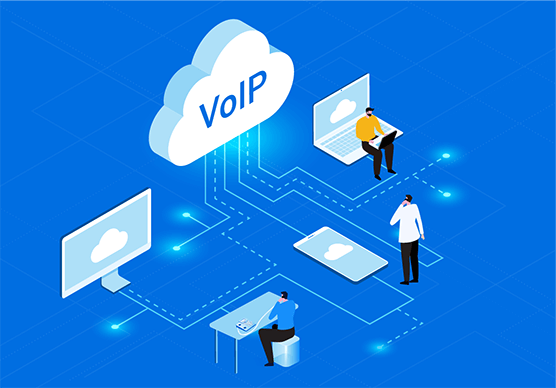
Image 7: Criteria for choosing a VoIP provider
- What is their uptime SLA? Look for 99.99%.
- Do they offer local support? With Netiva, you get direct access to English-speaking engineers.
- Is the system locked or open? Avoid proprietary systems. We use open standards (Asterisk, SIP).
- What about security? Do they offer encryption (TLS/SRTP), DDoS protection, fraud prevention?
- Can it grow with me? Ensure the system can handle 2x or 5x your current users without a complete overhaul.
9. Security & Reliability in VoIP
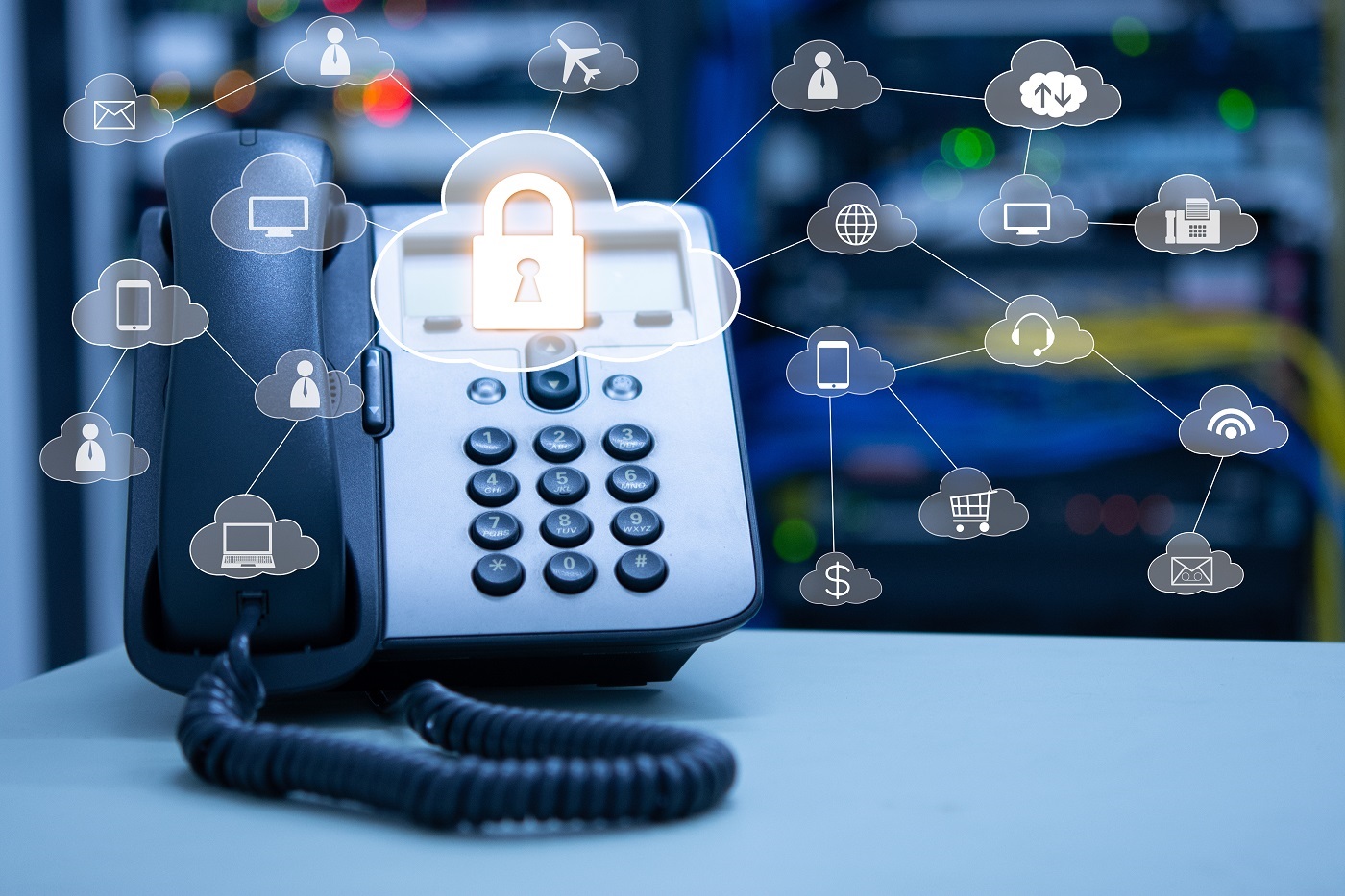
Image 8: Security measures for VoIP systems
VoIP security is often misunderstood. When properly configured, VoIP can be more secure than traditional phone lines. Key measures include:
- Encryption (TLS/SRTP): Protects signaling and voice packets from eavesdropping.
- Firewall & SBC: Session Border Controllers protect against attacks and manage traffic.
- Failover & Redundancy: If one internet line fails, calls automatically route through another.
- Regular Updates: Open-source platforms like Asterisk receive frequent security patches.
At Netiva, we follow industry best practices to ensure your communications are private, secure, and always available.
10. The Future of VoIP: Trends for 2026 and Beyond

Image 9: The biggest trends in VoIP technology
VoIP technology continues to evolve. Here's what's shaping the future:
AI Integration
AI-powered IVRs, real-time sentiment analysis, automatic call summaries.
UCaaS
VoIP becomes part of unified communication platforms (voice, video, chat).
5G & VoIP
5G networks make VoIP on smartphones flawless.
Web3 & Blockchain
Decentralized communication platforms and enhanced security protocols are emerging.
By choosing an open, flexible platform like Asterisk (our specialty), you ensure your business can adapt to these future trends without replacing your entire system.
Ready to Upgrade Your Business Communication?
At Netiva, we've been designing, installing, and supporting VoIP systems since 2009. Whether you need an on-premise Asterisk server, a cloud PBX, or help securing your existing system, we're here to help.
📞 Get a Free ConsultationOr call us directly: +30 210 123 4567
Frequently Asked Questions About VoIP
Is VoIP reliable for business?
Yes, with a proper internet connection and QoS setup, VoIP is as reliable as traditional lines. Most providers offer 99.99% uptime guarantees.
Can I keep my existing phone numbers?
Absolutely. This process is called number porting, and we can assist you in transferring your numbers to our system.
What equipment do I need?
You need VoIP-compatible phones (hardware or softphones), a router with QoS, and a stable internet connection. We can supply and configure everything.
How much can I save with VoIP?
Most businesses save 40-60% on call costs, especially if they make international calls. Maintenance costs also drop significantly.
Do you support remote workers?
Yes. Our systems are designed for the modern workplace. Remote employees can connect securely from anywhere.